


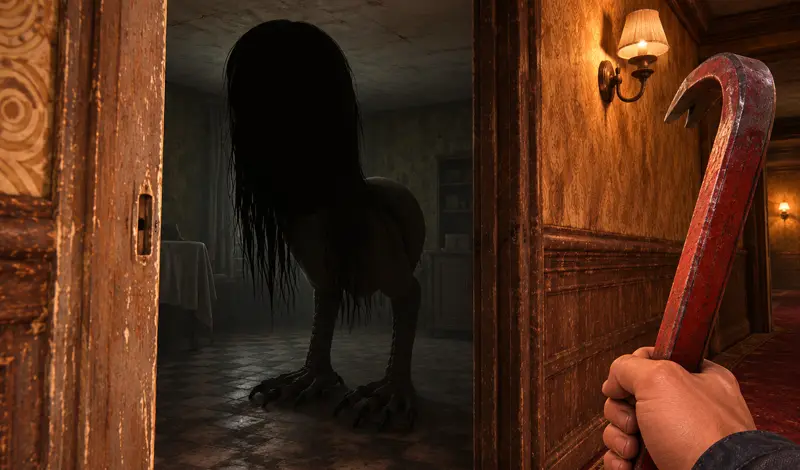

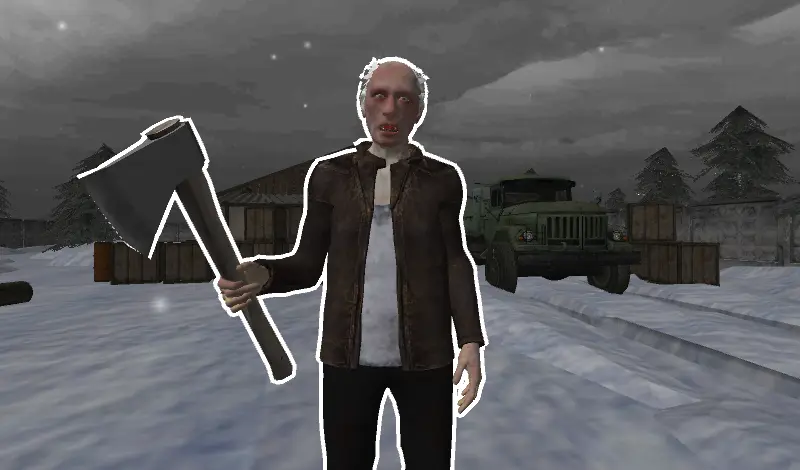

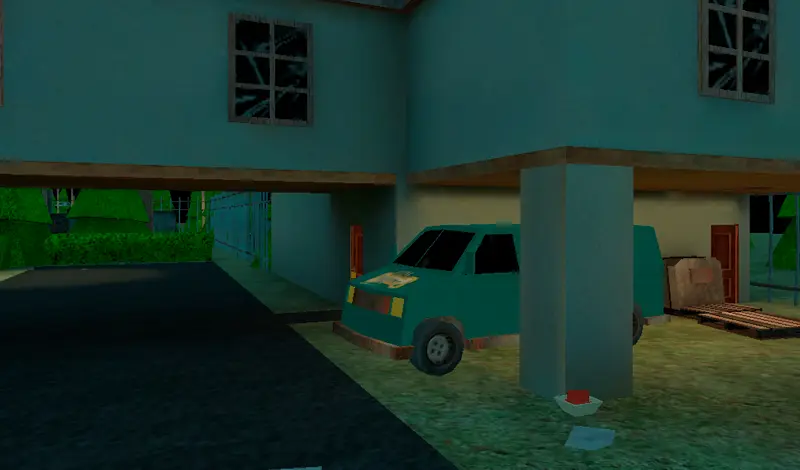

| Title | Room 666 |
|---|---|
| Developer | DarkPlay |
| Release Year | 2022 |
| Category | Escape Games |
| Platform | Web Browser |
| Price | Free |
Browser Build Controls
Keyboard controls from the Playhop listing.
PC
| WASD | Move through the rooms and corridors |
|---|---|
| Mouse | Look around and inspect clues |
| E | Use and interact with objects |
| Esc | Pause the game |
Survival Tips
- Examine every object in the room slowly with the mouse and press E on anything that looks unusual.
- Pay close attention to details that change when time turns back, since subtle differences point toward the truth.
- Treat Room 666 as a logic and observation challenge rather than a speedrun, because rushing causes missed clues.
- Keep notes in your head about where you started, since the mystery loops back to where everything began.
- Press Esc if you need a break to think through what a clue implies about your identity and what happened.
How to Play Room 666 Online
Room 666 is a compact, mind-bending mystery horror game where your sharpest weapon is your own reasoning. The game pushes you to turn back time within a short window and finish right where everything began, piecing together who you are and what happened inside the room.
Instead of drowning you in combat mechanics or sprawling maps, Room 666 concentrates its suspense into tight spaces and unsettling questions. Every detail in the environment exists to nudge you closer to the truth.
Room 666 Controls on PC and Mobile
DarkPlay built Room 666 with clean, standard first-person browser controls: WASD to move, Mouse to look around, E to use or interact with objects, and Escape to pause. Mobile browser controls are also supported directly in the Playhop frame.
Because the control scheme stays out of your way, you can focus completely on reading the room and testing interactions.
Tips for Solving the Room 666 Mystery and Ending
When a horror game relies on your mind rather than weapons, patience is everything. Sweep your camera across shelves, walls, doors, and floor details methodically so no interactive trigger slips past you.
Because the story revolves around turning back time and returning to the starting point, compare what looks familiar against what feels newly out of place on each pass.
- Test interactive objects with E whenever you notice a visual or audio hint.
- Watch for clues tied to your character’s identity and the events that kicked off the loop.
- Take a steady pace so you catch every narrative detail leading to the ending.
About This Playhop Browser Edition of Room 666
Room 666 is developed by DarkPlay and was published on Playhop on August 27, 2022, carrying an 18+ age rating on the platform. It is a browser-native mystery horror title rather than a port of a big-budget console release.
If you enjoy short, tense first-person mysteries that make you question what happened in a single haunted space, Room 666 fits neatly into an afternoon browser session.
Frequently Asked Questions
What is the objective in Room 666?
Your goal is to solve the mystery of Room 666, figure out who you are, and uncover the truth behind what happened.
What are the PC controls for Room 666?
Move with WASD, look around with the Mouse, interact with E, and press Escape to pause.
Can you play Room 666 on mobile?
Yes. The Playhop listing confirms that mobile touch controls are supported.
Who developed Room 666?
Room 666 was developed by DarkPlay and published on Playhop.
Does Room 666 have combat or weapons?
No. The game focuses on using your mind, observation, and interaction to solve the mystery rather than fighting enemies.