







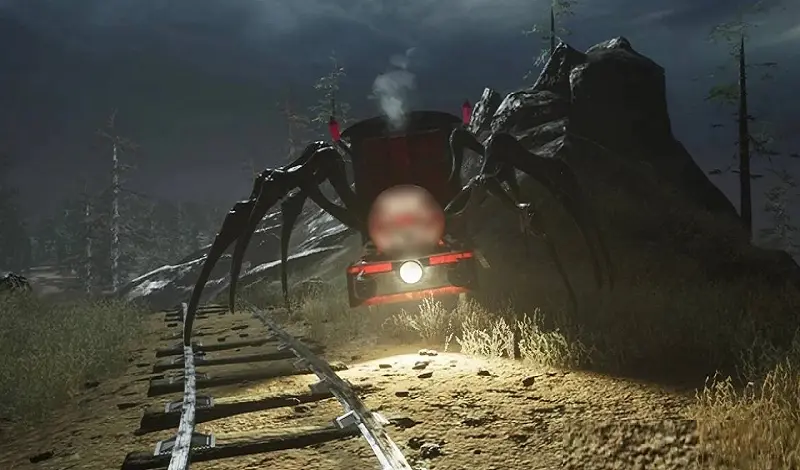
| Title | 99 Nights in the Forest. Horror Multiplayer |
|---|---|
| Developer | REO |
| Release Year | 2025 |
| Category | Escape Games |
| Platform | Web Browser |
| Price | Free |
Browser Build Controls
Keyboard controls from the Playhop listing.
PC
| WASD | Explore the dark forest and move around camp |
|---|---|
| E | Interact with workbenches, cauldrons, resources, and items |
Survival Tips
- Gather resources during calmer moments and use the workbench early to craft a flashlight and basic weapons before the monster gets stronger.
- Cook meals in the cauldron regularly so your group stays ready for long nights in the woods.
- Build shelters near useful landmarks and coordinate with teammates rather than wandering off alone in the dark.
- Keep collecting money and chasing achievements even on failed runs, because both carry over after every playthrough.
- Spend saved earnings to unlock new character classes so your team can cover different survival roles.
How to Play 99 Nights in the Forest Online
99 Nights in the Forest. Horror Multiplayer drops you and other players into a gloomy woodland with one overarching mission: rescue the missing boys and escape within 99 days. Daylight and quiet stretches are for scavenging, building, and preparing; nightfall belongs to the hunter.
Every night, a towering deer-monster stalks out of the trees, its heavy footsteps and growls echoing across the dark forest. Surviving requires teamwork, smart camp setup, and steady preparation as the creature becomes more aggressive with each passing night.
Workbench Crafting, Cauldron Cooking, and Controls
REO’s Playhop build keeps desktop controls simple so you can focus on survival choices: move with WASD and press E to gather materials, craft at the workbench, cook in the cauldron, and interact with camp objects.
Crafting is the backbone of every long run. Use the workbench to make weapons, flashlights, and protective essentials, cook meals in the cauldron to keep your group going, and put up shelters to hold your ground when darkness settles in.
Tips for the 99-Day Escape and New Character Classes
Even if a run ends before day 99, your effort is never wasted. After each playthrough, the money you found and earned stays saved along with your achievements, letting you unlock new character classes that bring fresh playstyles to future attempts.
In multiplayer lobbies, splitting tasks speeds up survival dramatically: have part of the group gather materials and cook while others scout for the missing boys and keep flashlights ready.
- Craft a flashlight and defensive gear at the workbench as soon as you have materials.
- Listen for footsteps and growls so you can fall back to shelter before the deer-monster closes in.
- Focus on saving money and achievements to expand your roster of character classes.
Is This the Official 99 Nights in the Forest?
99 Nights in the Forest gained massive popularity as a Roblox survival-horror experience by Grandma’s Favourite Games. The version here is a standalone HTML5 browser edition developed by REO and published on Playhop on September 14, 2025.
It brings the same cooperative 99-day forest survival, crafting, and deer-monster suspense directly to web browsers with no Roblox client required.
Frequently Asked Questions
What is the main goal in 99 Nights in the Forest?
Work with other players to survive up to 99 days against the deer-monster, rescue the missing boys, and escape the forest.
What carries over after a playthrough ends?
Your collected and earned money plus your achievements are saved after each run, which you can use to unlock new character classes.
How do you craft weapons and flashlights?
Gather resources in the forest, walk up to the workbench, and press E to craft weapons, flashlights, and survival gear.
What are the PC controls for 99 Nights in the Forest on Playhop?
Move with WASD and interact with objects, workbenches, and the cooking cauldron using E.
Do I need Roblox to play this version of 99 Nights in the Forest?
No. This is REO’s browser multiplayer edition on Playhop, so it runs directly inside your web browser.